
Forms
Mailer Lite
There is a seperate block for newsletter subscription with specific styling, but you can add a shortcode with a mailerlite form in any WYSIWYG content block, and it should work
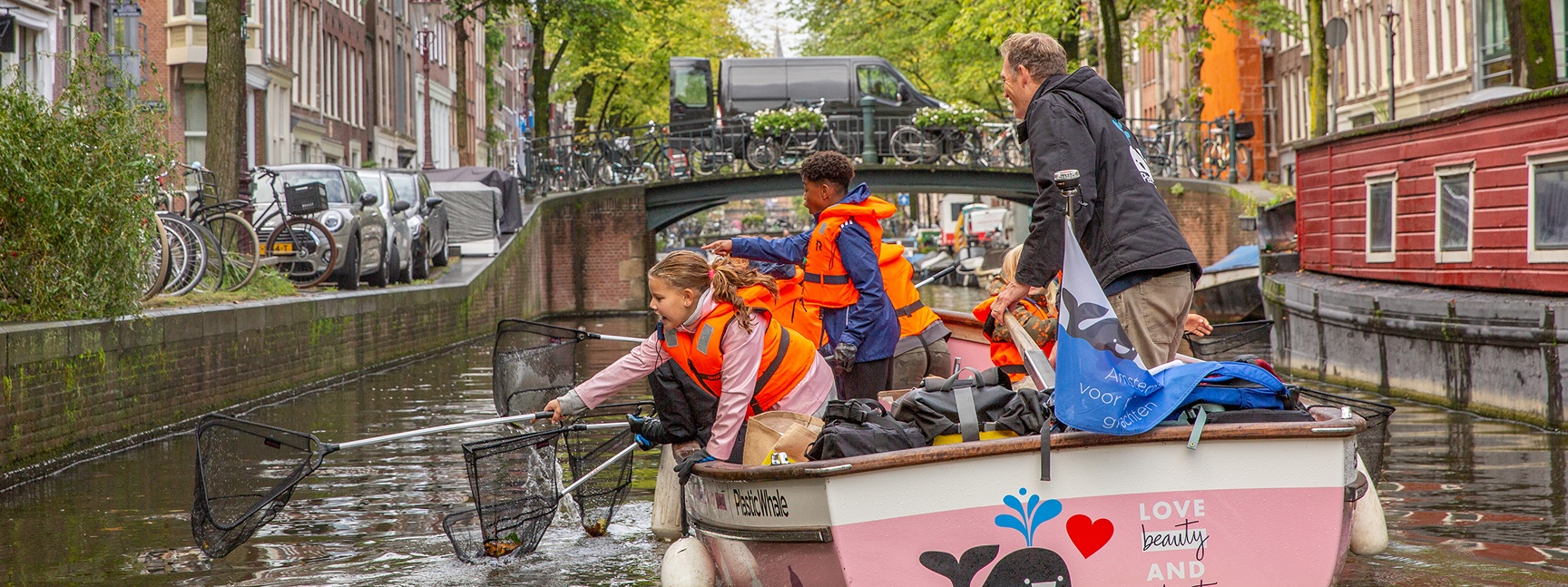
All pages except the homepage start of with this header.
In this block of text you can put down anything you like.
In the cms you also find a tab named ‘Cards’, here you can create these little cards with seen below

These cards fill out the space they get, you can put down all sorts of content.
I have created some css classes that you can use to create buttons and links with arrows.
You can also add entire forms in a card, click the link below:

Below is a list of all the button/link styles available.
just mix and match the terms inside the class=”” attribute of the a tags below:
Arrow right
Arrow left
White button
Yellow button
Full-width yellow back-arrow button
Special buttons for social media links:
Instagram
LinkedIn

There is a seperate block for newsletter subscription with specific styling, but you can add a shortcode with a mailerlite form in any WYSIWYG content block, and it should work
Using the Bookings component you can create a list of clickable cards with text and images that open up a fare harbor booking
form.
You need an embed code / shortcode from the fareharbour.com platform for it to work.
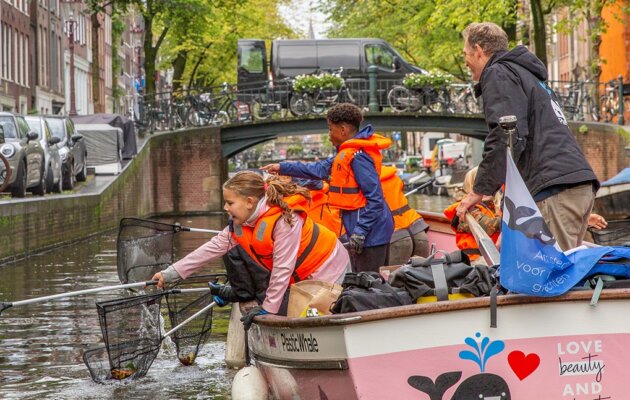
This is one using a fareharbour shortcode
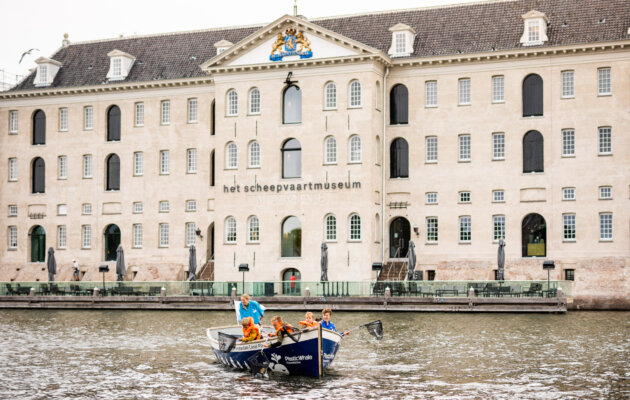
But you can also link to any url
You can place the image on the left, right or centered under the text under the image tab
But you will not see the difference on a mobile layout, only relevant for large screens
you can add a list of blue cards, to create Impact in Numbers using the bubbles tab.
Pies
plastic fished
Schools
Donate — your support funds free programs and cleanup actions.
We accept donations from both individuals and businesses.
You can use shortcodes to place Gravity Forms, Mailerlite registration form and fare booking forms in almost all WYSIWYG text fields:
Booking form
Fare Harbour!
Newsletter subscription
Gravity Form:
"*" indicates required fields